 Go back
 AI in UX: How Intelligent Design Improves Enterprise Software
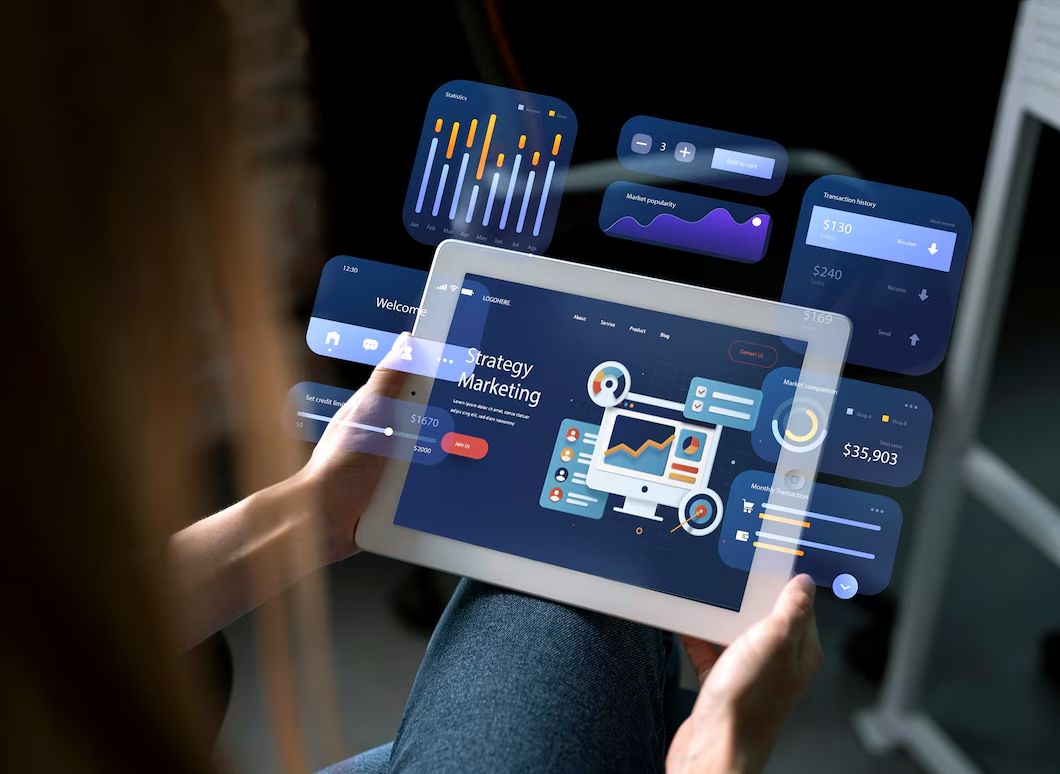
Enterprise software has long prioritized functionality, scalability, and security, and these pillars remain essential. However, user expectations have evolved. Modern enterprise users now demand intuitive, efficient, and responsive experiences comparable to today’s best consumer applications. This shift is where YNO Designs' AI-driven UX design delivers real impact.

Through integrating artificial intelligence into UX strategy, YNO Designs helps enterprise platforms move past static, one-size-fits-all interfaces. By analyzing user behavior, context, and interaction trends, AI-powered user interface design adapts in real time, decreasing friction, simplifying workflows, and supporting faster, more confident decision-making within complex enterprise systems.
AI in UX design refers to the use of machine learning, natural language processing, predictive analytics, and automation to enhance user interaction with digital products. Instead of depending solely on preset flows, AI allows interfaces to learn from users and evolve over time. In enterprise environments, where workflows are complex and user roles vary, this adaptability feature becomes especially valuable.
Traditional UX design is based on assumptions drawn from research, testing, and static personas. While effective, it has limitations when dealing with dynamic, data-intensive systems. AI-driven UX creates a continuous feedback loop in which systems respond to real usage data rather than assumptions.


| Aspect | Traditional UX | AI in UX Design |
|---|---|---|
| Interface Behavior | Static and rule-based interactions | Adaptive and data-driven experiences |
| Personalization | Limited customization options | Role-based and behavior-driven personalization |
| Feedback Cycle | Periodic updates based on research | Continuous learning from real-time user data |
| Decision Support | Manual analysis and decision-making | Predictive insights and automated recommendations |
Enterprise software often supports mission-critical operations such as finance, healthcare, logistics, and customer management. Poor UX can lead to inefficiency issues, errors, and low adoption rates. AI helps deal with these issues by improving clarity, speed, and relevance.

AI enables interfaces to adapt based on user role, preferences, and behavior. For example, a finance manager and a data analyst using the same platform may see different dashboards, shortcuts, and alerts. Personalization improves efficiency while continuing a consistent system architecture.
Predictive UX anticipates user needs and proactively supports the next steps. This can include:
Natural language processing allows users to interact with enterprise systems using conversational input. This includes chat-based interfaces, voice commands, and intelligent search. Benefits include:
AI enables the identification and automation of repetitive processes. From report generation to data validation, automation increases productivity while greatly decreasing manual workload.
From a UX standpoint, automation shifts the user’s role from executor to supervisor. This transition demands carefully designed interfaces that assure transparency, preserve user control, and build trust in automated systems. To implement automation without jeopardizing usability, contact us for expert UX and AI design support.
While AI enhances functionality, it must align with established UX principles to be effective and ethical.
Users should understand why the system makes certain recommendations or decisions. Interfaces must clearly explain AI-driven actions, especially in enterprise contexts with compliance or financial implications.
AI should support users, not replace decision-making entirely. Effective user interface design provides options to override, adjust, or review AI suggestions.
Even adaptive interfaces must remain predictable. Sudden layout changes or unexpected behaviors can reduce trust and usability.

Evaluating AI-driven UX requires both qualitative and numerical measures.
Task completion duration
Error rates<
User happiness scores
Feature adoption rates
Accuracy of predictions
Relevance of recommendations
Reduction in manual interventions
These metrics help teams assess whether AI enhancements genuinely improve the user experience.
One of the most notable advantages of AI in UX design is its capacity to support better decisions.
AI can highlight trends, anomalies, plus correlations that may otherwise go undetected. Intelligent dashboards highlight pertinent insights over raw data.
By comprehending user context, AI-driven interfaces can provide timely recommendations such as risk alerts, optimization suggestions, or compliance reminders.
This approach lessens decision fatigue and improves confidence in complicated settings.
AI does not replace UX professionals. Instead, it expands their role.
Constructing adaptive interaction models
Collaborating with data scientists
Defining ethical AI guidelines
Testing AI behavior throughout scenarios
Organizations offering UI/UX design services in New York and other major markets are increasingly integrating AI into their UX processes to address enterprise needs.

Although it has benefits, AI introduces new complexities.
AI systems are only as good as the data they learn from. Poor data quality can lead to inaccurate recommendations or biased outcomes.
Designing for multiple adaptive states requires more planning and testing than static interfaces.
Users may resist AI-driven features if they seem to be intrusive or unreliable. Concise communication and gradual introduction are essential.
Optimizing enterprise UX with AI ensures smoother workflows, faster task completion, and higher user satisfaction. Leveraging data-driven insights helps design intuitive interfaces that adapt to user needs effectively.
AI has to address specific usability issues rather than being added for novelty.
Interfaces should allow users to understand and gradually trust AI behavior.
AI-driven features must comply with accessibility guidelines to ensure an inclusive design.
Ongoing usability testing is critical to ensure AI enhancements remain useful as systems evolve.
As AI capabilities advance, UX design will increasingly focus on orchestration rather than control. Interfaces will become more conversational, anticipatory, and context-aware. However, success will depend on balancing automation with human assessment and preserving ethical design standards. Organizations investing in thoughtful AI-driven user interface design today are more likely to meet future enterprise expectations.


© Copyright 2025 YNO Designs. All rights reserved